
From First Pursuit to Bid Day
The bid starts with the customer and jobsite already filled in.
- Lead owner, follow-ups, how hot it is, where it came from, and the files.
- Vendor RFPs, bidders, addenda, takeoff, alternates, the bid letter, and results.
Bids, RFIs, change orders, service tickets, timesheets, and invoices all run in Build Daily.
Follow up on leads, collect vendor quotes, back up changes, get service tickets signed, and review crew hours before payroll.
Pricing a change, setting up a bid, closing a service ticket, approving timesheets, and sending an agreement, shown with sample jobs.
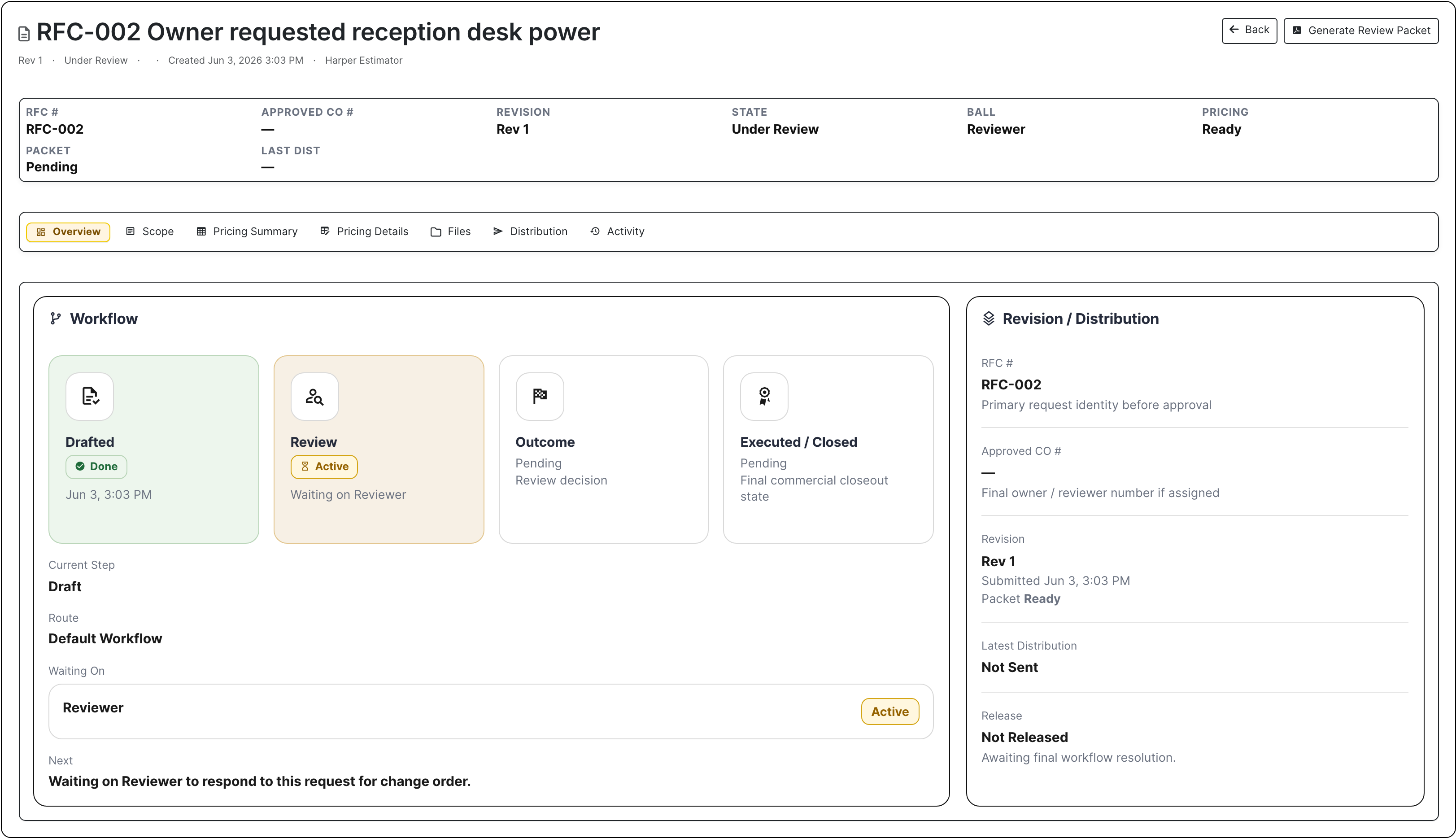
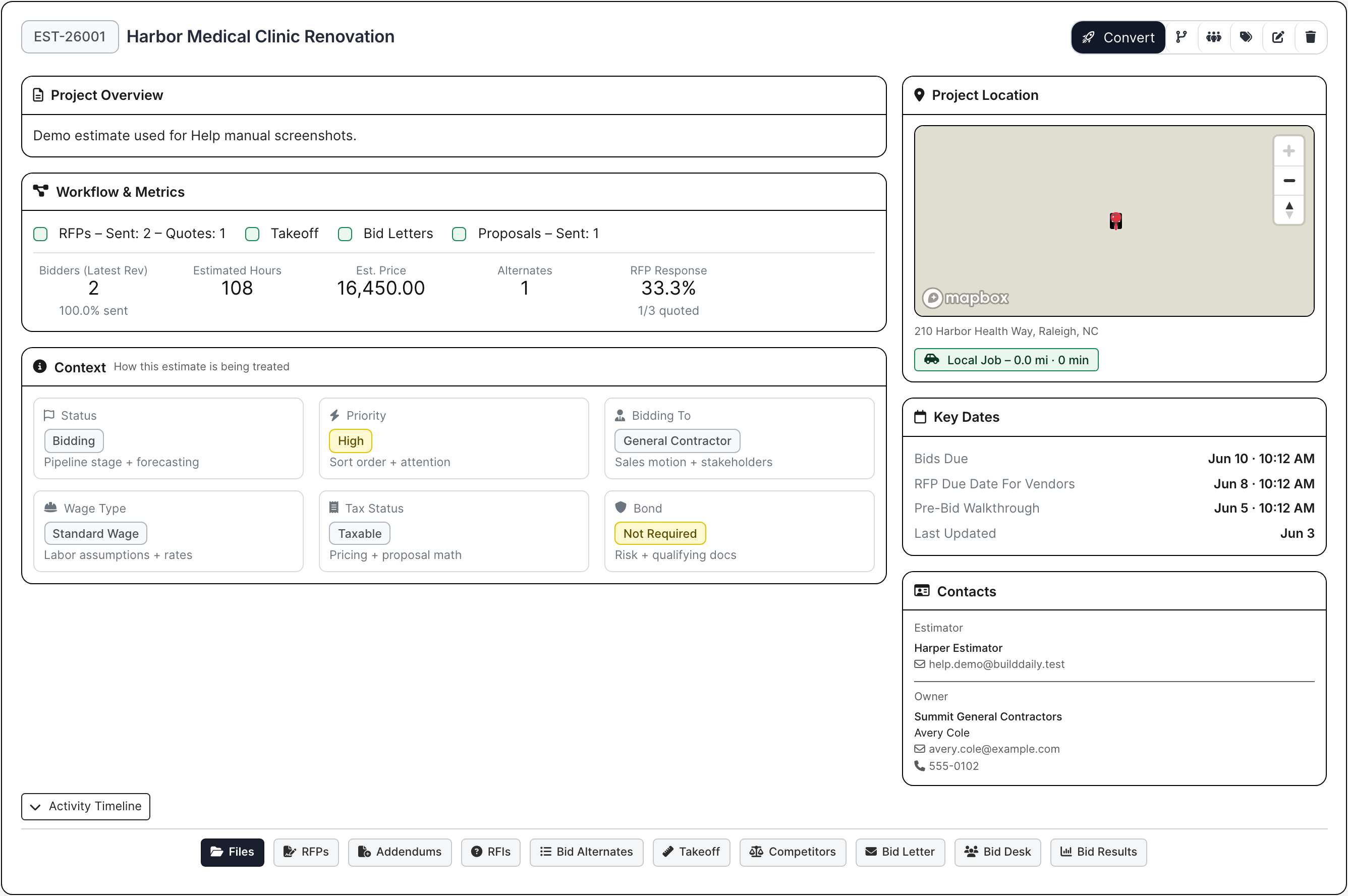
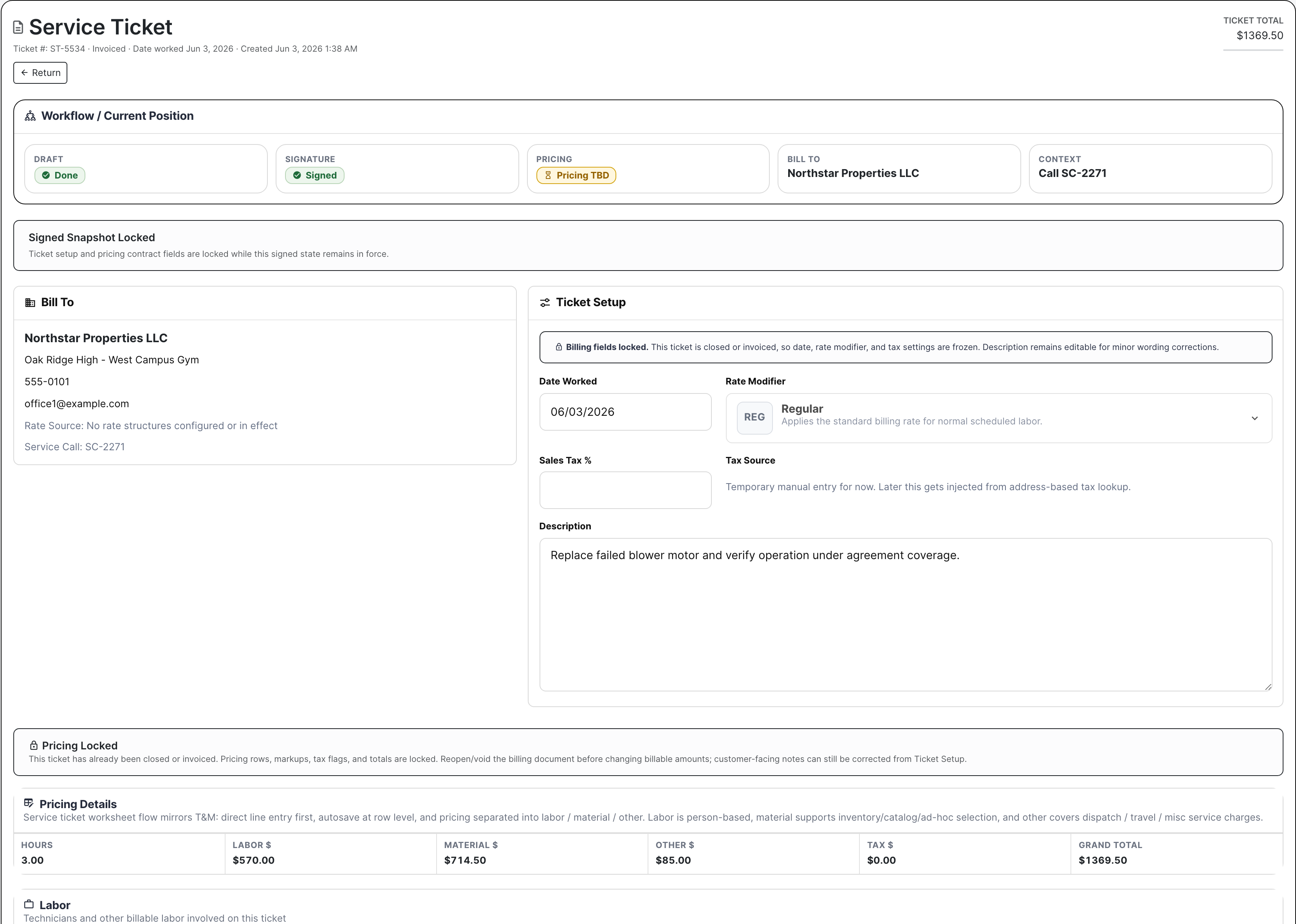
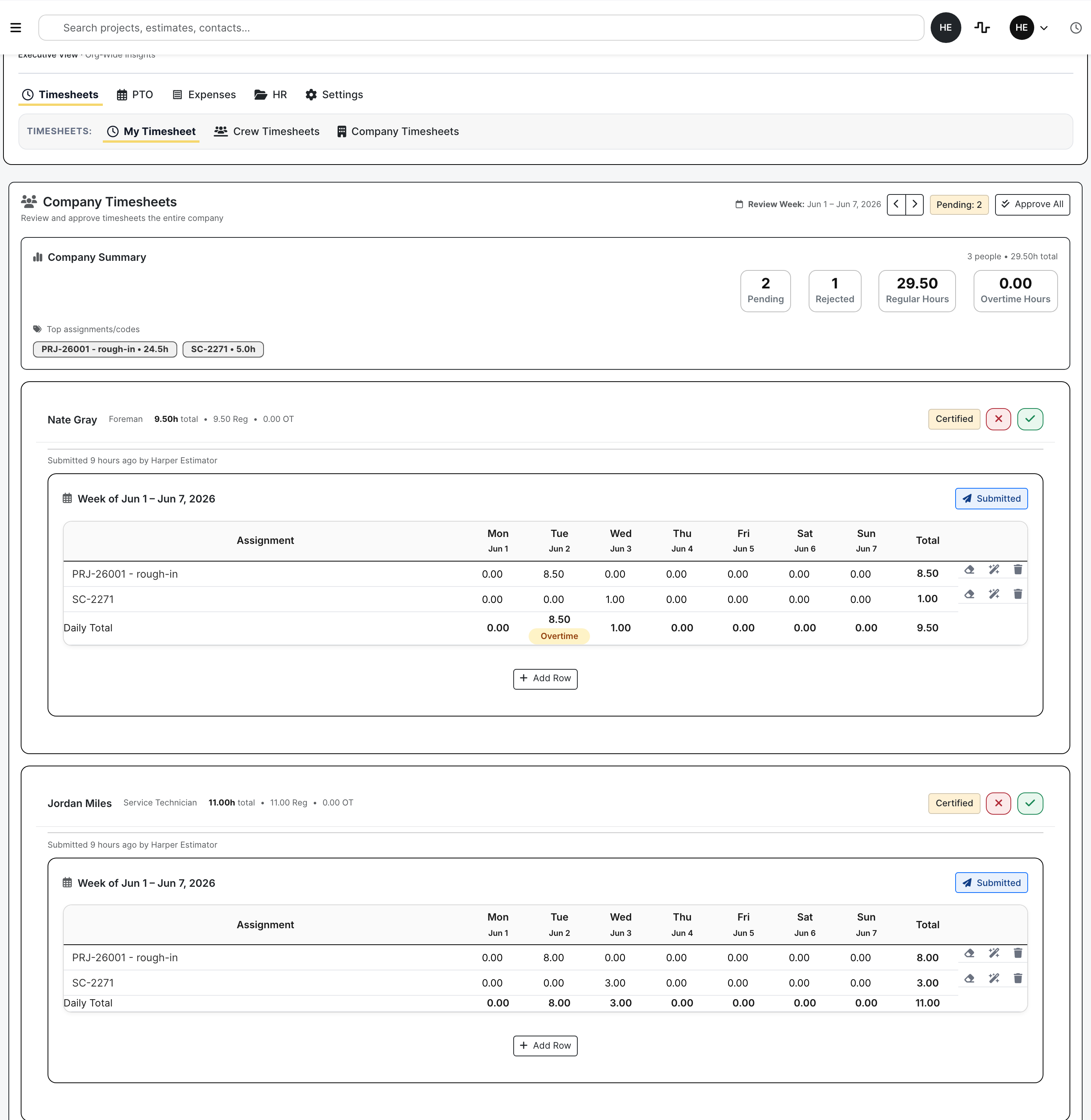
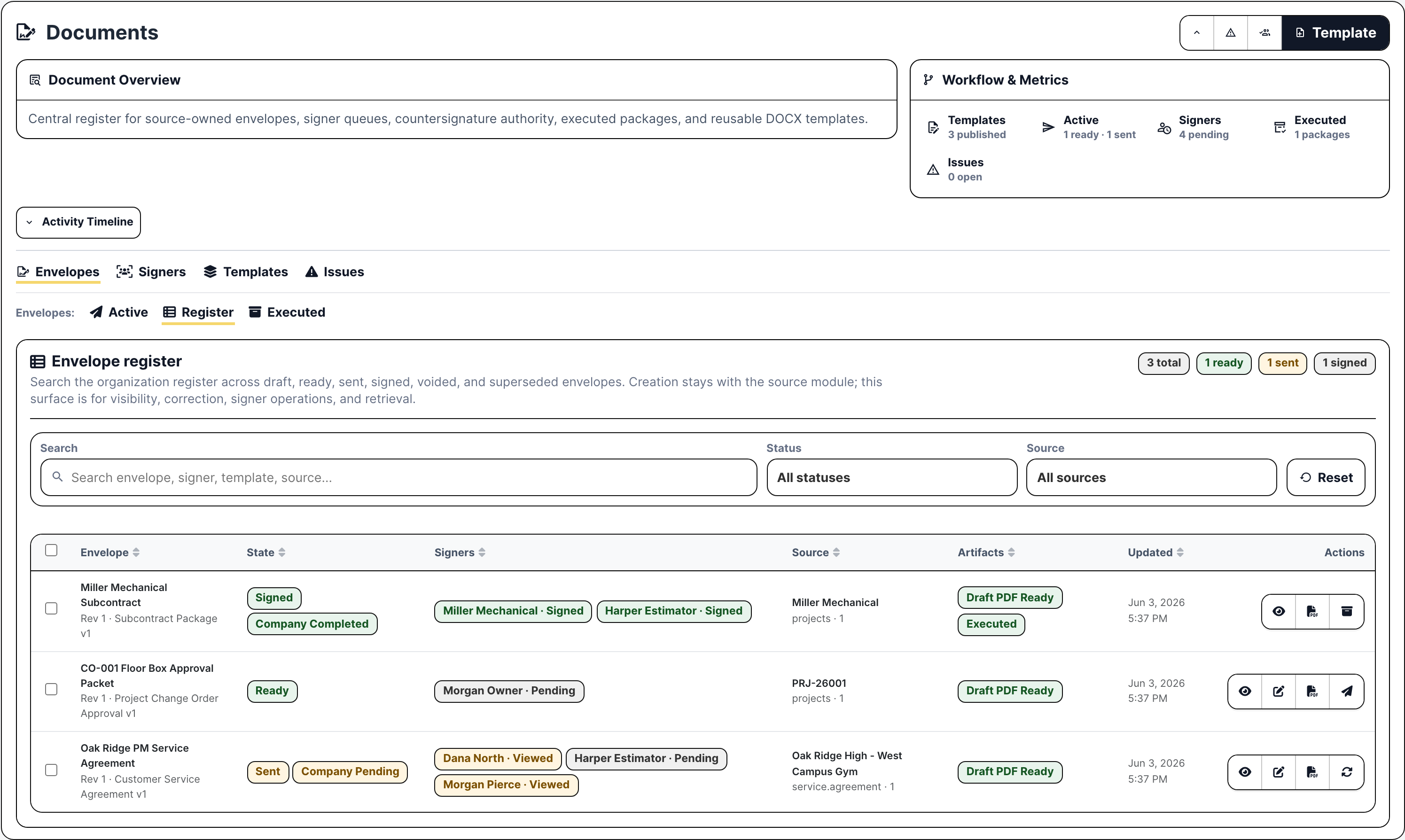
Each one has an answer in Build Daily: who owns it, what is attached, what is missing, and whether it is ready for the next step.
| Contractor Question | Where Build Daily Handles It | Why It Matters |
|---|---|---|
| Should we chase this lead? Who owns it, what is the jobsite, what follow-up is due, and what was already sent? |
The lead page, with the customer, jobsite, photos, emails, follow-ups, and a link to the estimate. | Estimating doesn't spend the first hour asking sales for the site address and the files. |
| Can we bid this cleanly? Which bidders, scopes, addenda, RFIs, takeoff items, alternates, and proposals are in play? |
The estimate, with vendor RFPs, a planroom bidders open without a login, addenda, takeoff, the bid letter, and results. | When the job is won, operations can see the bid files, bidders, addenda, and proposal work without starting over. |
| What changed on the job? Is this an RFI, submittal, change order, T&M ticket, pay application issue, drawing/spec issue, or closeout item? |
The project page, with RFIs, submittals, change orders, daily reports, drawings, and the schedule. | The PM can price, document, or route the issue while the backup is still tied to the job. |
| Can we bill the service call? Was the tech dispatched, was the work completed, what parts/labor were used, and did the customer sign? |
The service ticket and Work On page, with the dispatch slot, tech, equipment, line items, signature, and invoice. | Billing can tell whether the visit is ready to invoice without texting the tech. |
| Is payroll going to be a mess? Are hours coded to the right job/service/overhead work, and are PTO, expenses, and HR files current? |
Timeclock and HR, with crew timesheets, PTO, expense receipts, and employee files. | Hours and expense fixes happen before payroll runs, before anyone's check is wrong. |
| Who needs to sign or review? Does this need an owner, customer, vendor, subcontractor, employee, or internal countersignature? |
Documents, signing links, review links, and the subcontractor portal. | Outside people get one link for the one thing they need to do. You keep the signed copy and the history. |
Estimators, PMs, supers, dispatchers, and billing each pick up where the last person left off, with the customer, files, pricing, and signatures already there.
The bid starts with the customer and jobsite already filled in.
The PM starts with the bid and adds the field work, billing, schedule, and closeout.
The service desk takes a call all the way to a signed ticket ready to bill.
Hours, PTO, expenses, and equipment sit next to the crew schedule.
Signed paperwork stays with the job, ticket, customer, or employee it belongs to.
Owners and managers see which lead, bid, job, or ticket needs attention.
Vendors, owners, customers, and subs usually need to do one thing: upload a quote, answer an RFI, review a submittal, sign, or pay. Build Daily sends them a link for that one thing.
We skip the tab-by-tab tour. Bring a real handoff and see if Build Daily keeps it cleaner than what you do today.
Bring a lead that became a bid, a field issue that needed a price, a service call that had to be billed, or a payroll week that needed cleanup.
We will check whether the next person can see what happened, who needs to act, and what is still missing.
Maybe it's a bid file that never reaches the PM, a signed ticket billing can't find, or a change order with no backup. Bring it and we will walk it through.